
Zipic
FreemiumLocal image compression for Mac and Windows (Beta), with a CLI and AI skill for batch workflows.
What is Zipic
Zipic compresses JPEG, PNG, WebP, HEIC and AVIF images on-device on Mac and Windows (Beta). Nothing is uploaded and no account is needed.
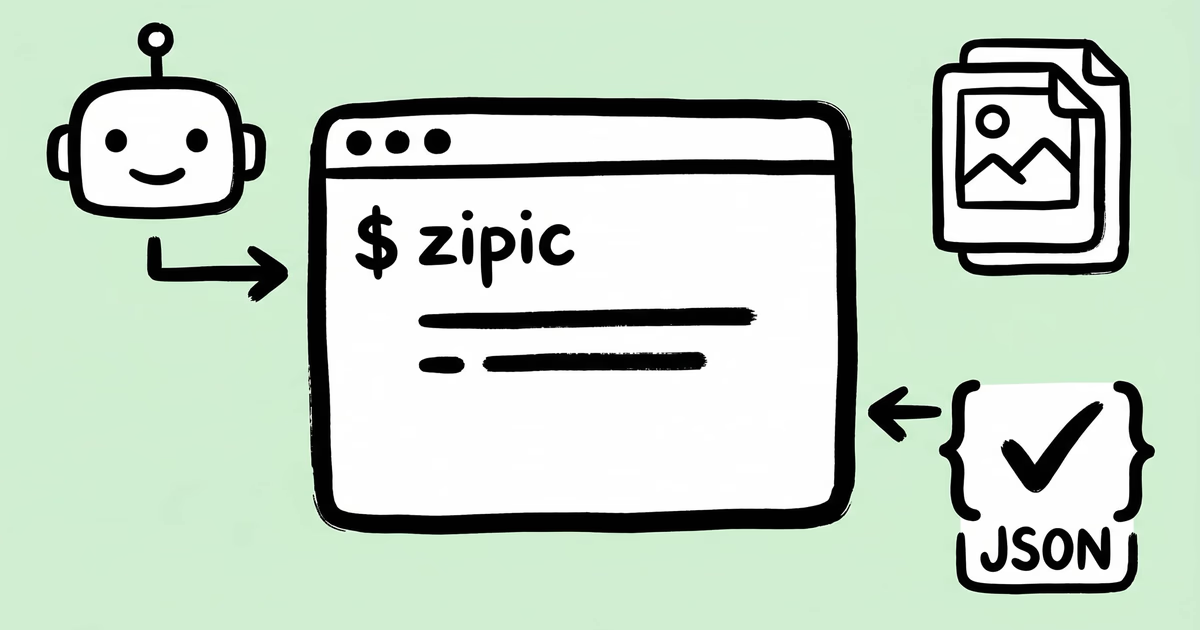
Its zipic CLI is built for scripts and AI agents: structured JSON, meaningful exit codes, --dry-run previews and per-file results. Install the Zipic skill and ask Claude Code or Codex to compress a folder, convert to WebP, resize to 1920px or hit a target file size.
Zipic also handles EXIF stripping, folder monitoring, clipboard auto-compression, Finder actions, Shortcuts, Raycast and PDF-to-image export. Works on macOS 13+ and Windows 10+ (Beta). Free tier after a 7-day Pro trial; Pro is a one-time purchase.
Key Features
Use Cases
- •Optimize website and blog images before publishing
- •Shrink App Store and marketing screenshots
- •Let an AI agent batch-compress a project folder
- •Convert images to WebP or AVIF for faster pages
Why Startups Need This
Startups ship lots of screenshots, marketing images and app assets. Zipic shrinks them locally in batches, so pages load faster without sending files to a third-party server, and the CLI lets teams or AI agents automate it in build scripts.


